.png)
Products
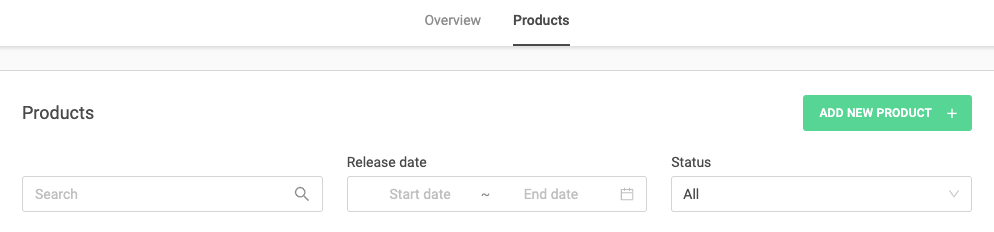
In the “Products” tab, you can view and manage all your releases, including singles, EPs and albums.
You can search for specific releases, filter by time period or check the current status of each release.
What the status of your release means:
Each release goes through different stages. The status shows you what is currently happening and whether any action is required from your side.
Review - Your release is currently being checked by our team. No action is required. Changes are still possible, but may delay the process.
Approved - Your release has been approved and is ready for delivery. At this stage, changes are no longer recommended, as they may delay your release.
Pre-Export - Your release includes a pre-order or pre-release and is being prepared for delivery.
Export - Your release is currently being delivered to our distribution system. Changes are no longer possible at this stage.
Error - There is an issue with your release. Open the release, check the error message on the right-hand side and correct the issue before resubmitting.
Cancelled - Your release has been cancelled or deleted and will not be delivered.
Delivered - Your release has been successfully delivered and is scheduled for release on the platforms.
Released - Your release is live or being rolled out on streaming and download platforms.
We recommend checking your releases regularly to track their progress.
If you need to make changes, please do so as early as possible.
Changes made at a later stage may delay your release, especially after approval.