.png)
Products - Information
In rokket! → Products, you can view detailed information about each of your releases.
Simply click on a release to open its overview.
Each release is divided into different sections:
- Activity
- Sales
- Metadata
- Vault
- History
Products - Activity
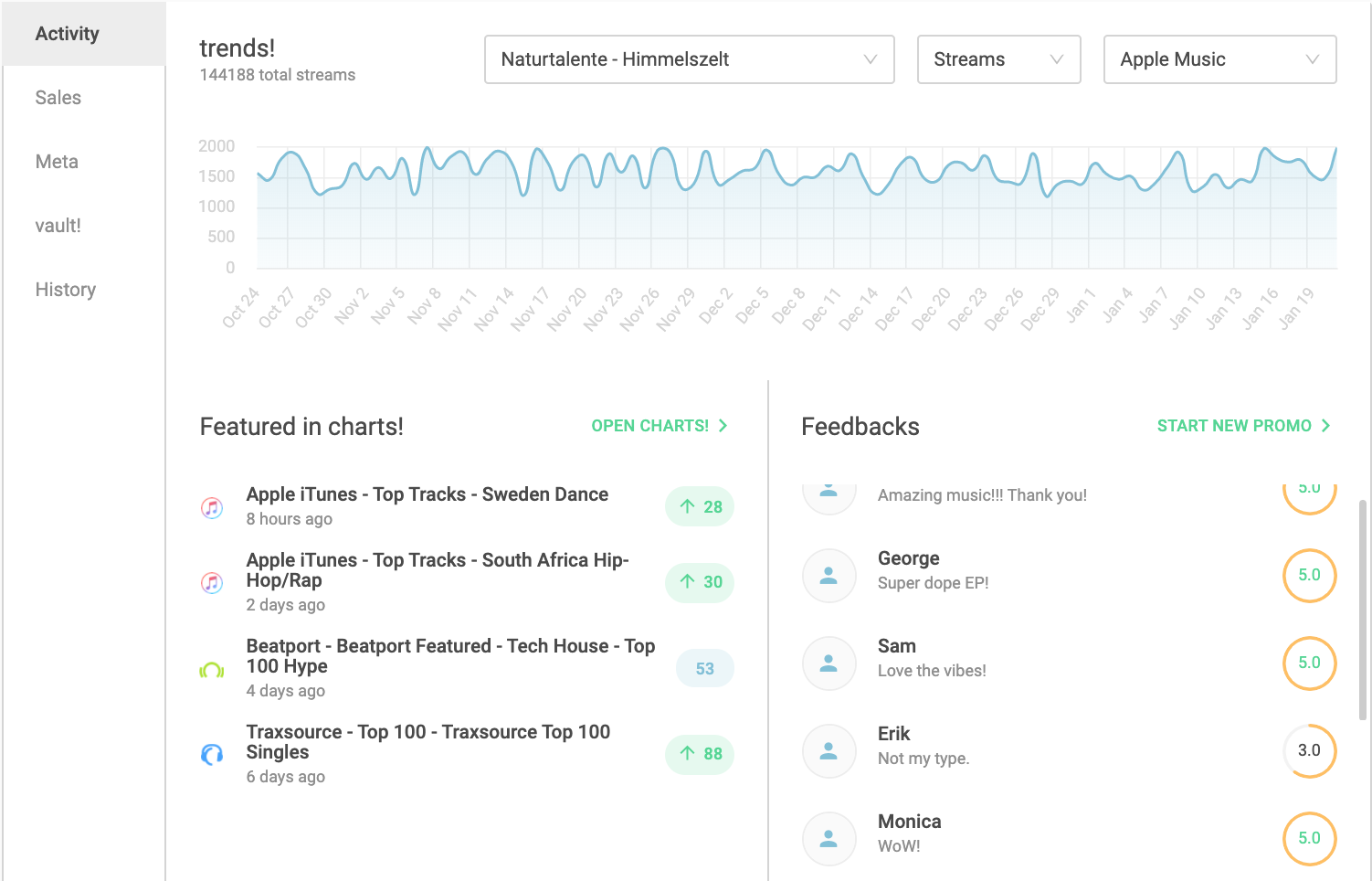
The Activity tab is the main overview of your release performance.
Here you can see:
- streams and downloads
- performance trends over time
- data per track and per platform
You can switch between individual tracks and filter by platform or type (streams or downloads).
Sales
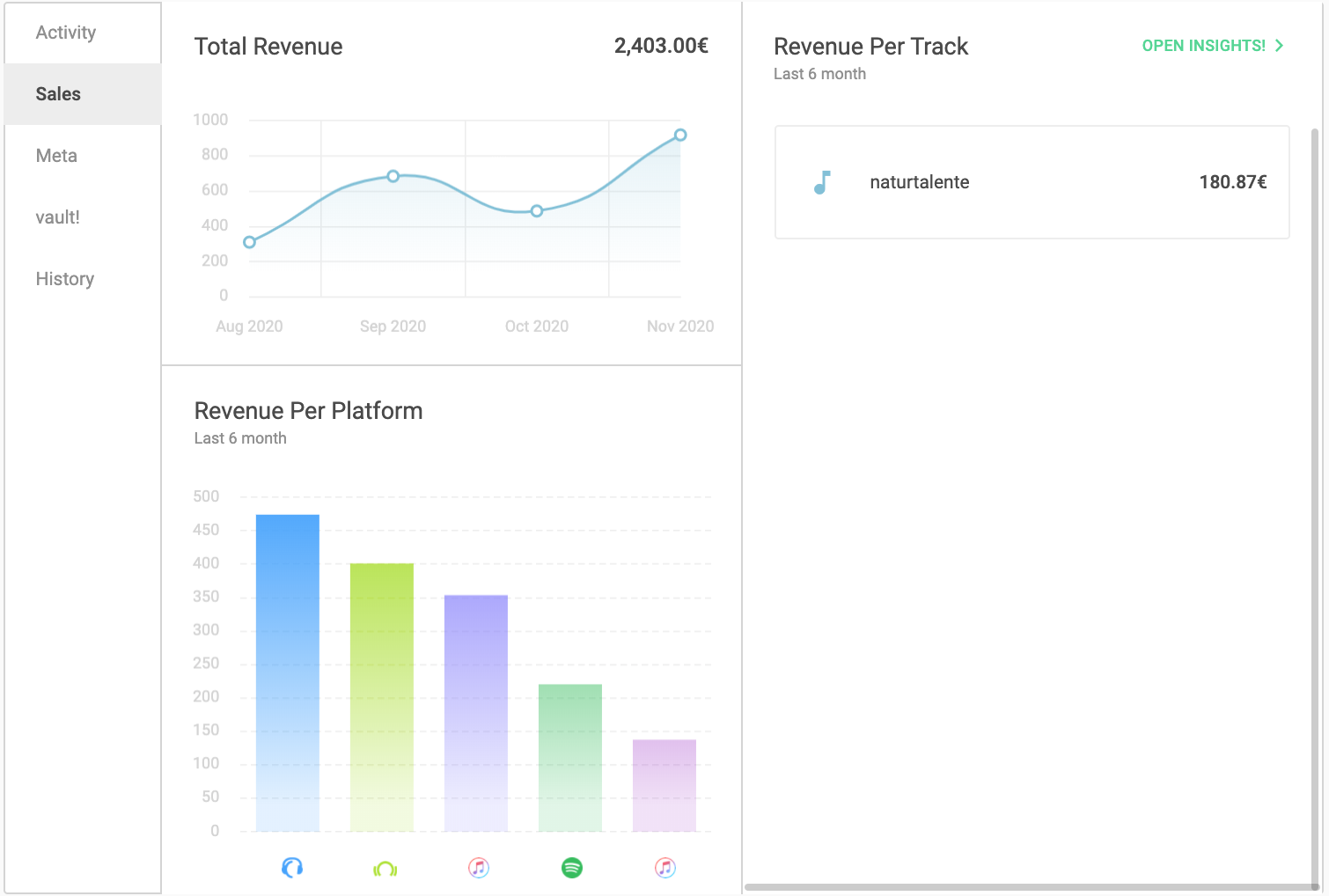
The Sales tab shows your revenue data.
- Total Revenue: Displays your total earnings for the current month.
- Revenue per Platform: Shows how much revenue each platform generates (e.g. Spotify, Beatport).
- Revenue per Track: Shows how much each track has earned.
You can open detailed data in insights!.

Metadata
The Metadata tab shows all release information, such as release date, catalog number, artist, label, genre. To view track-level metadata (e.g. ISRC), click the arrow next to the track.
vault!
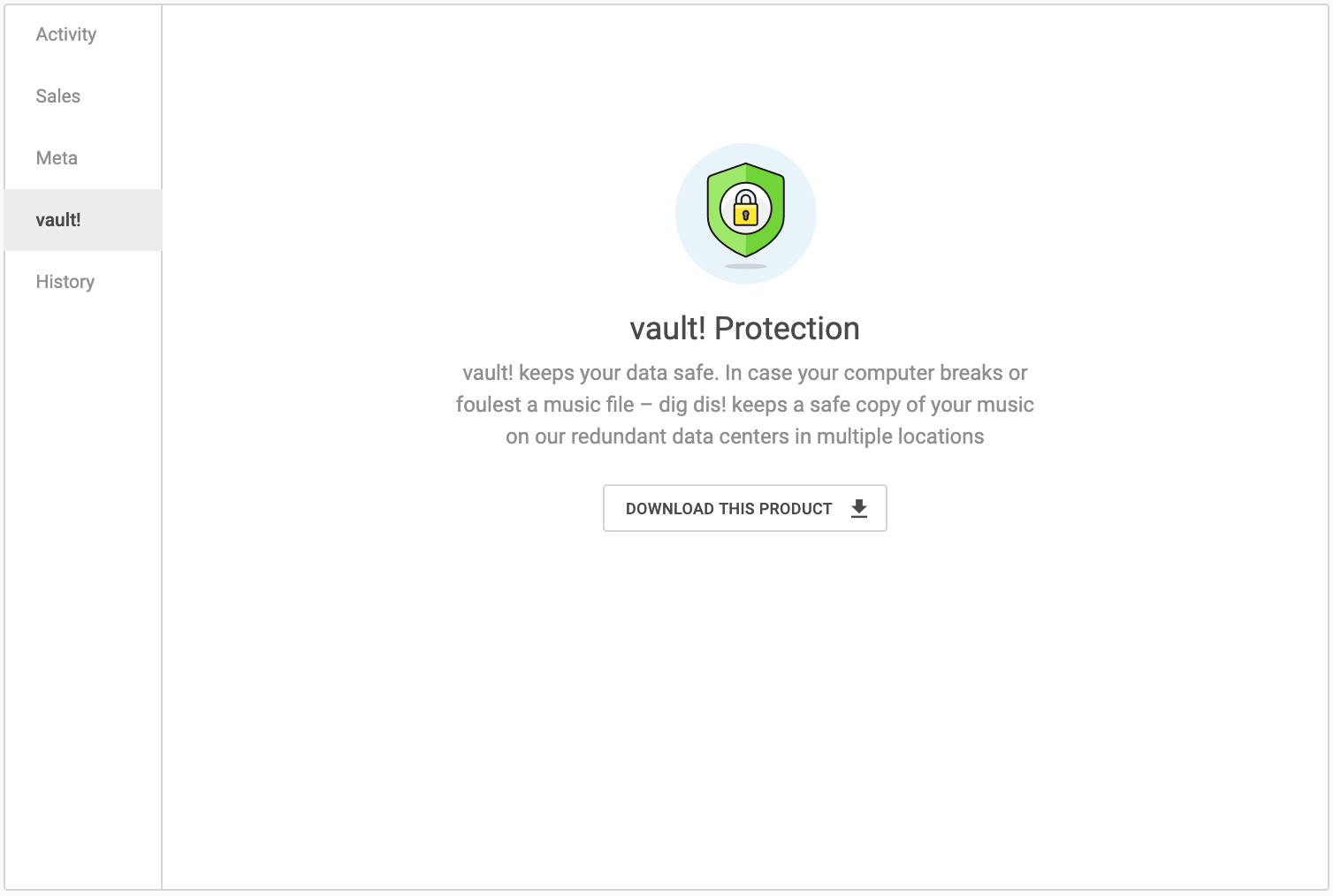
In the vault!, you can download your release data as a ZIP file.
This file includes the audio files in WAV format and the metadata as a CSV file.
History
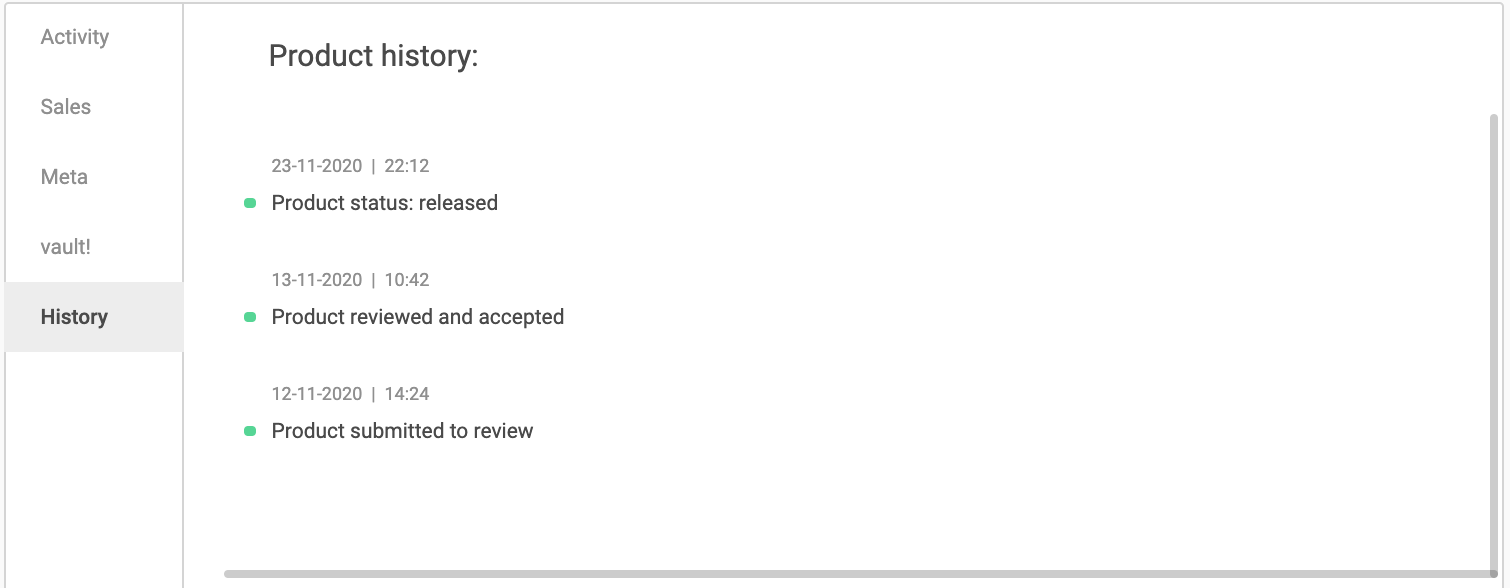
The History tab shows the progress of your release. You can track which steps your release has gone through and check its current status.
If you want to learn more about the different statuses, please refer to: Product status