.png)
Chart Overview
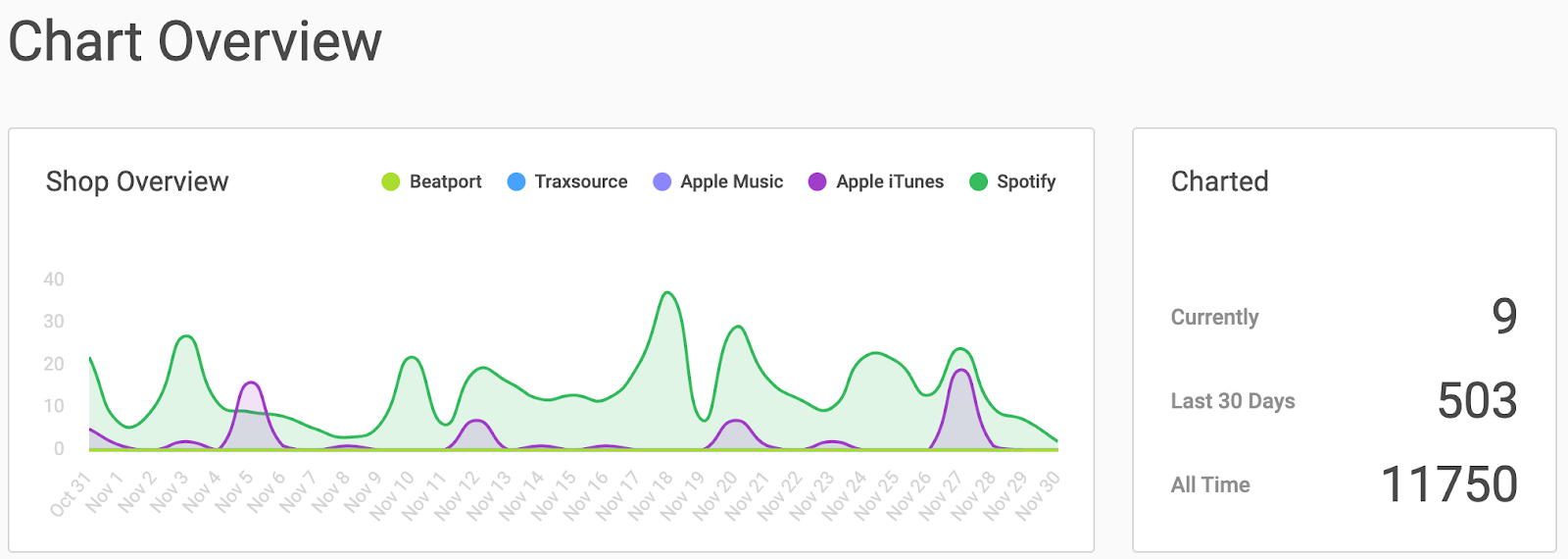
Currently in charts - The number of your releases that appear in one or more charts right now.
Last 30 Days - The number of your releases that entered a chart at least once during the last 30 days.
All Time - The total number of your releases that have ever appeared in a chart.
You can search for specific tracks or products and filter the time period and stores.

How to use the Chart Overview
- Use the search box to find a specific track or product. You can search by track title, product name or catalog number.
- Filter the time period to focus on recent activity or a custom range. Choose the 30 day option to see recent chart entries quickly.
- Select one or more stores to limit the view to specific platforms or markets.
- Combine search terms and filters to narrow results, for example search for a track and set the store to a single country to check local chart performance.