.png)
Create a new release - Step 2: Tracklist
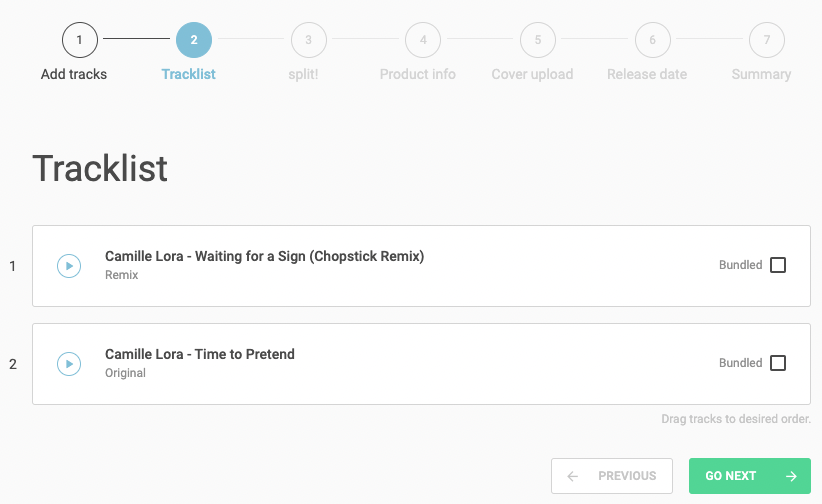
Tracklist
In this step, you can define the order of the tracks within your release.
Arrange the tracks in the desired sequence. The order you set here determines how the tracks will appear on the platforms.
You can also mark tracks as bundled.
If a track is bundled, it can only be purchased as part of the complete release and cannot be bought individually.
Only 12% of the release can be bundled. That means, for example, if your release has 8 tracks, only 1 track can be bundled.
Please note: For streaming shops, a bundled track is not playable.